
Last Updated on March 19, 2026 by Laura Coronel
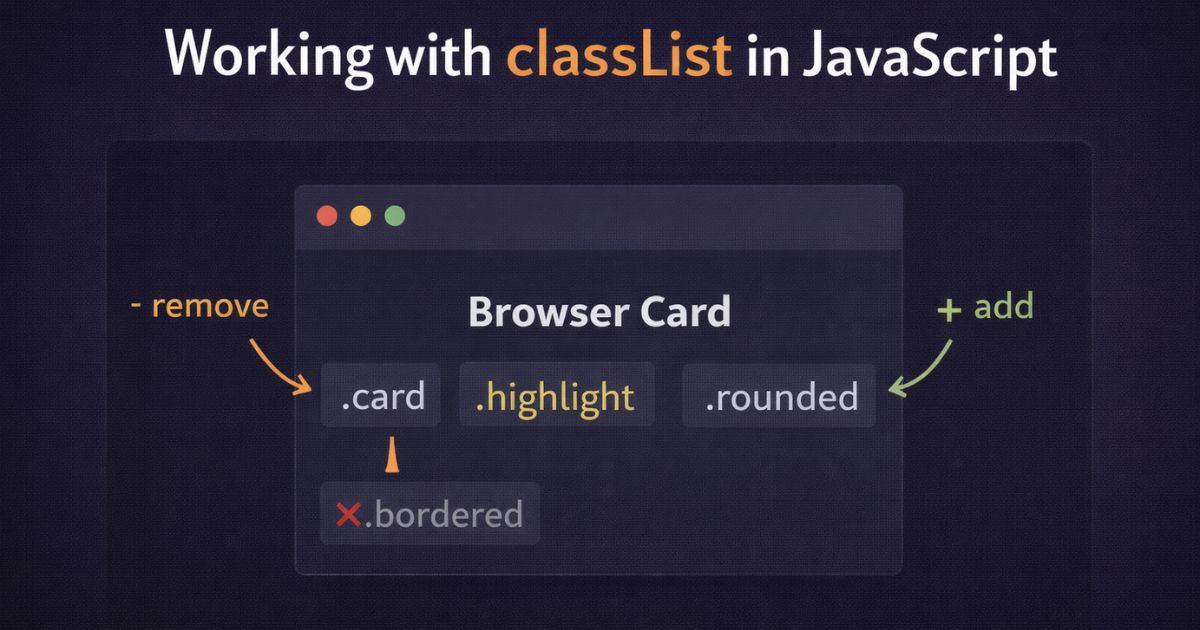
The classList property gives you a clean, purpose-built API for adding, removing, toggling, and inspecting CSS classes on any HTML element. It’s available on every element in the DOM and works in all modern browsers with no dependencies required.
Contents
Getting an Element’s classList
Every HTML element exposes a classList property that returns a live DOMTokenList — a collection of the class names currently applied to that element, along with methods for managing them.
js
const card = document.querySelector('.card');
console.log(card.classList);
// DOMTokenList ['card', 'featured', 'visible']
The length property tells you how many classes are currently applied:
js
console.log(card.classList.length); // 3
Adding Classes
Use add() to apply one or more classes to an element. If a class is already present it won’t be added twice:
js
card.classList.add('highlighted');

// Add multiple classes at once
card.classList.add('large', 'border');
Removing Classes
Use remove() to take one or more classes off an element. If the class isn’t present, nothing happens — no error is thrown:
js
card.classList.remove('highlighted');

// Remove multiple classes at once
card.classList.remove('large', 'border');
Replacing a Class
Use replace() to swap one class for another in a single operation. It returns true if the replacement succeeded, or false if the class to be replaced wasn’t present:
js
card.classList.replace('btn-primary', 'btn-secondary');
This is cleaner than a remove() followed by an add() when you’re swapping states — for example, updating a status indicator from pending to complete.
Toggling Classes
toggle() adds a class if it’s absent, removes it if it’s present. It returns true if the class is now on the element, false if it was removed:
js
card.classList.toggle('active');
The optional second argument forces the outcome regardless of current state. Pass true to always add, false to always remove:
js
// Add 'active' only if isActive is true, remove it if false
card.classList.toggle('active', isActive);
This is especially useful when wiring up state from a variable:
js
const isLoggedIn = true;
document.querySelector('nav').classList.toggle('user-nav', isLoggedIn);
Checking Whether a Class Exists
contains() returns true if the specified class is present, false if it isn’t:
js
if (card.classList.contains('featured')) {
  console.log('This is a featured card');
}
Iterating Over Classes
To loop over every class on an element, use forEach() directly on the classList:
js
card.classList.forEach(className => {
  console.log(className);
});
Finding Elements by Class
Two methods are commonly used to find elements by class name.
querySelector and querySelectorAll use CSS selector syntax and are the current standard. Use querySelector for the first match, querySelectorAll for all matches:
js
// First matching element
const featured = document.querySelector('.featured');

// All matching elements
const cards = document.querySelectorAll('.card');

// Combine selectors just as you would in CSS
const activeCards = document.querySelectorAll('.card.active');
querySelectorAll returns a NodeList, not an array. Use forEach to iterate over it directly, or spread it into an array if you need array methods:
js
document.querySelectorAll('.card').forEach(card => {
  card.classList.add('loaded');
});
Here’s how these methods come together in a common real-world pattern — a mobile navigation menu that opens and closes on button click:
html
<button id="menu-toggle" aria-expanded="false" aria-controls="main-nav">
  Menu
</button>

<nav id="main-nav" class="nav">
  <ul>
    <li><a href="/">Home</a></li>
    <li><a href="/about">About</a></li>
    <li><a href="/contact">Contact</a></li>
  </ul>
</nav>
js
const toggle = document.querySelector('#menu-toggle');
const nav = document.querySelector('#main-nav');

toggle.addEventListener('click', () => {
  const isOpen = nav.classList.toggle('nav--open');
  toggle.setAttribute('aria-expanded', isOpen);
});
The toggle() return value does the work here — isOpen is true when the menu just opened and false when it just closed, which keeps the aria-expanded attribute in sync without any extra conditional logic.








Matt,
It would be nice to have had the pros and cons of using this in website development. I have seen some testing and it appears that adding ‘classList’ to an element speeds up page load times. I would like to fine an explanation as to why?
Hi Luke,
Sorry I don’t have too much information on the performance benefits of using classList.
Thanks a lot Matt ,Your article helped me in understanding java script very easily ,because the way you written is very easy to understand .I am feeling fortunate to being here ,i like your website also..
i have a question can you tell me something about google plus authorship…??
Matt , thank you for interesting article! I am just learning JS and this article was very userful for me.
Hi Olga,
I’m glad the article has helped you. Good luck on your journey learning JavaScript 🙂